Efficiency Sheets
Simple Sheets
50/30/20 Budget Template for Google Sheets
The 50/30/20 rule splits take-home pay into 50% for needs, 30% for wants and 20% for savings and extra debt payments. It's a simple starting point: set those three totals, then check each month how close your real spending lands.
Example
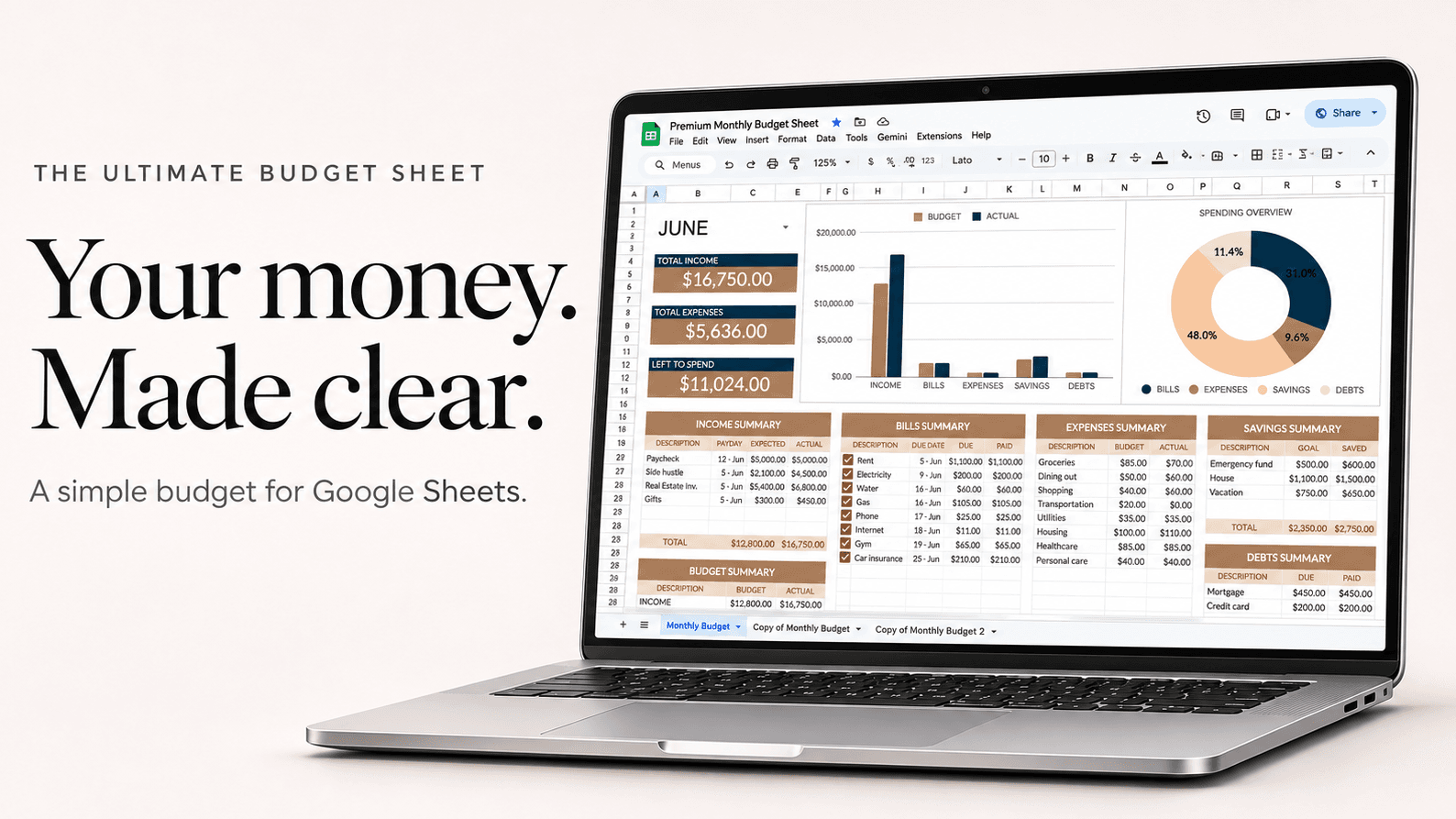
$4,200 a month take-home pay
| Bucket | Amount |
|---|---|
| Needs, 50%: rent, utilities, groceries, insurance, minimum payments | $2,100 |
| Wants, 30%: eating out, subscriptions, shopping, travel | $1,260 |
| Savings and extra debt, 20% | $840 |
| Take-home pay | $4,200 |
If rent alone is $1,700, needs will run over 50%. Many people use 60/20/20 for a while and take the difference from wants, not savings.
How to set it up
- Enter your take-home pay (after tax), not your salary.
- Work out the three targets: half, 30% and 20% of it.
- Put each budget line under needs, wants or savings.
- Track what you spend through the month, and compare the real totals with the targets.
- Adjust one bucket at a time. Most people find the room in wants.
Questions
Is 50/30/20 realistic?
For many people in expensive cities, needs are more than 50%. Use it as a target to move toward, not a test you fail.
Where do debt payments go?
Minimum payments are needs. Anything you pay above the minimum counts toward the 20%.
Gross or net income?
Net: what lands in your account after taxes and deductions.