Efficiency Sheets
Simple Sheets
Sinking Funds Tracker for Google Sheets
A sinking fund is money you set aside each month for a cost you know is coming, like Christmas or new tires, so it doesn't land on a credit card. Divide the cost by the months until you need it, and save that amount every month as its own line.
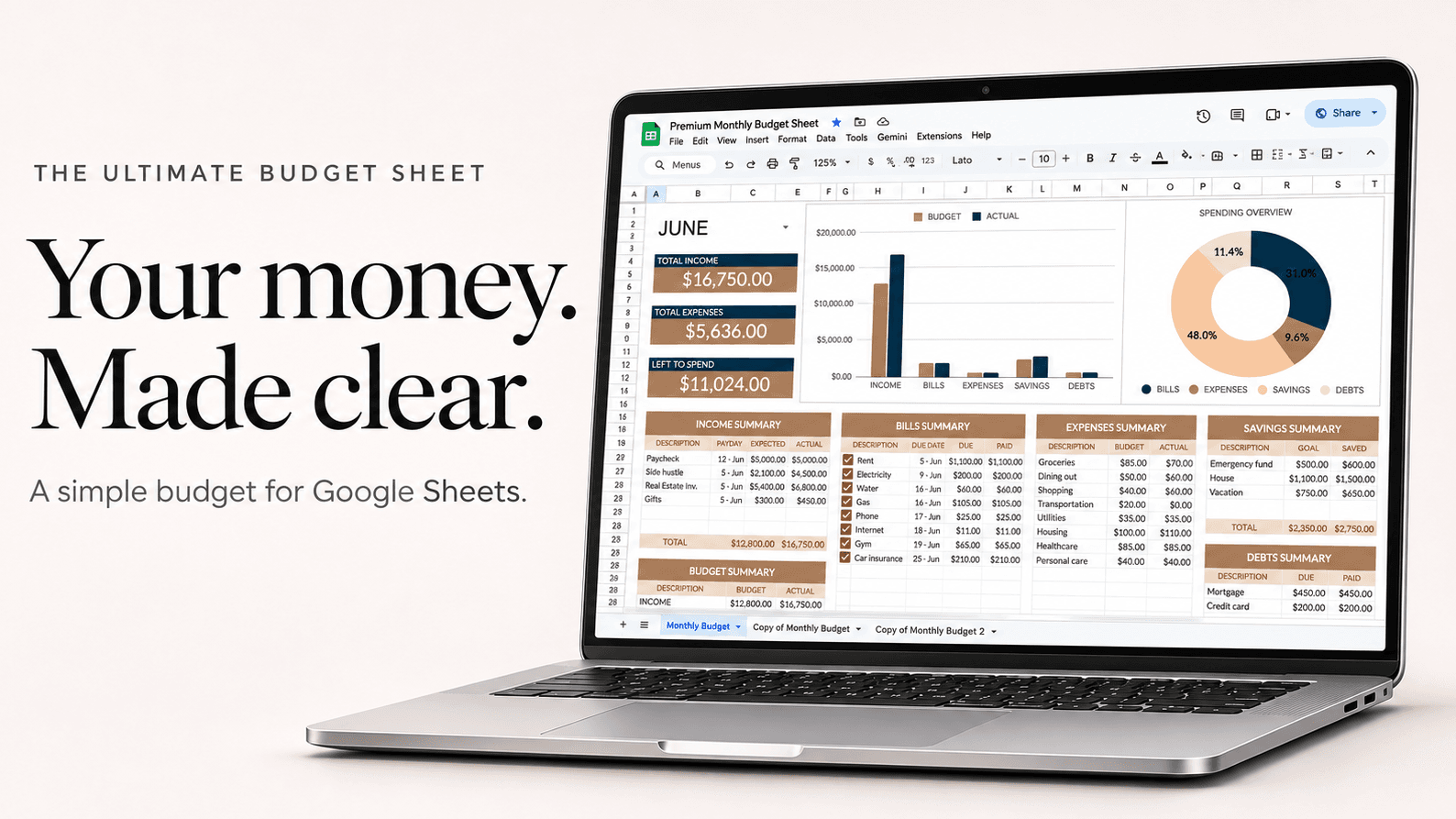
Example
Five sinking funds, saved toward from January
| Fund (cost ÷ months) | Per month |
|---|---|
| Christmas ($900 ÷ 12) | $75 |
| Car repairs and tires ($1,200 ÷ 12) | $100 |
| Summer trip ($1,500 ÷ 6) | $250 |
| Car insurance, paid yearly ($840 ÷ 12) | $70 |
| Birthdays and gifts ($360 ÷ 12) | $30 |
| Saved each month | $525 |
$525 a month means December, the insurance bill and the trip are already paid for when they arrive.
How to set it up
- List the costs you know are coming in the next 12 months, with roughly how much each will be.
- Divide each by the number of months until you need it.
- Add each fund as its own savings line in the budget, with that monthly amount.
- Move the money to a savings account each payday, and watch each fund's total grow.
- When the cost arrives, spend from that fund and start it again for next year.
Questions
Sinking fund or emergency fund?
An emergency fund is for things you can't predict, like a job loss. A sinking fund is for things you can, like Christmas. Most people need both.
Do I need a separate bank account for each fund?
No. One savings account works; the sheet keeps track of how much of it belongs to each fund.
What should I have sinking funds for?
Common ones: Christmas and gifts, car repairs, yearly insurance or subscriptions, vacations, pet care, medical costs and home repairs.