Efficiency Sheets
Simple Sheets
Paycheck Budget Template for Google Sheets
A paycheck budget gives every paycheck its own job before it's spent: the bills due before the next payday come out first, then savings, then what's left to spend. In Google Sheets that means one income line per paycheck and every bill marked by the paycheck that covers it.
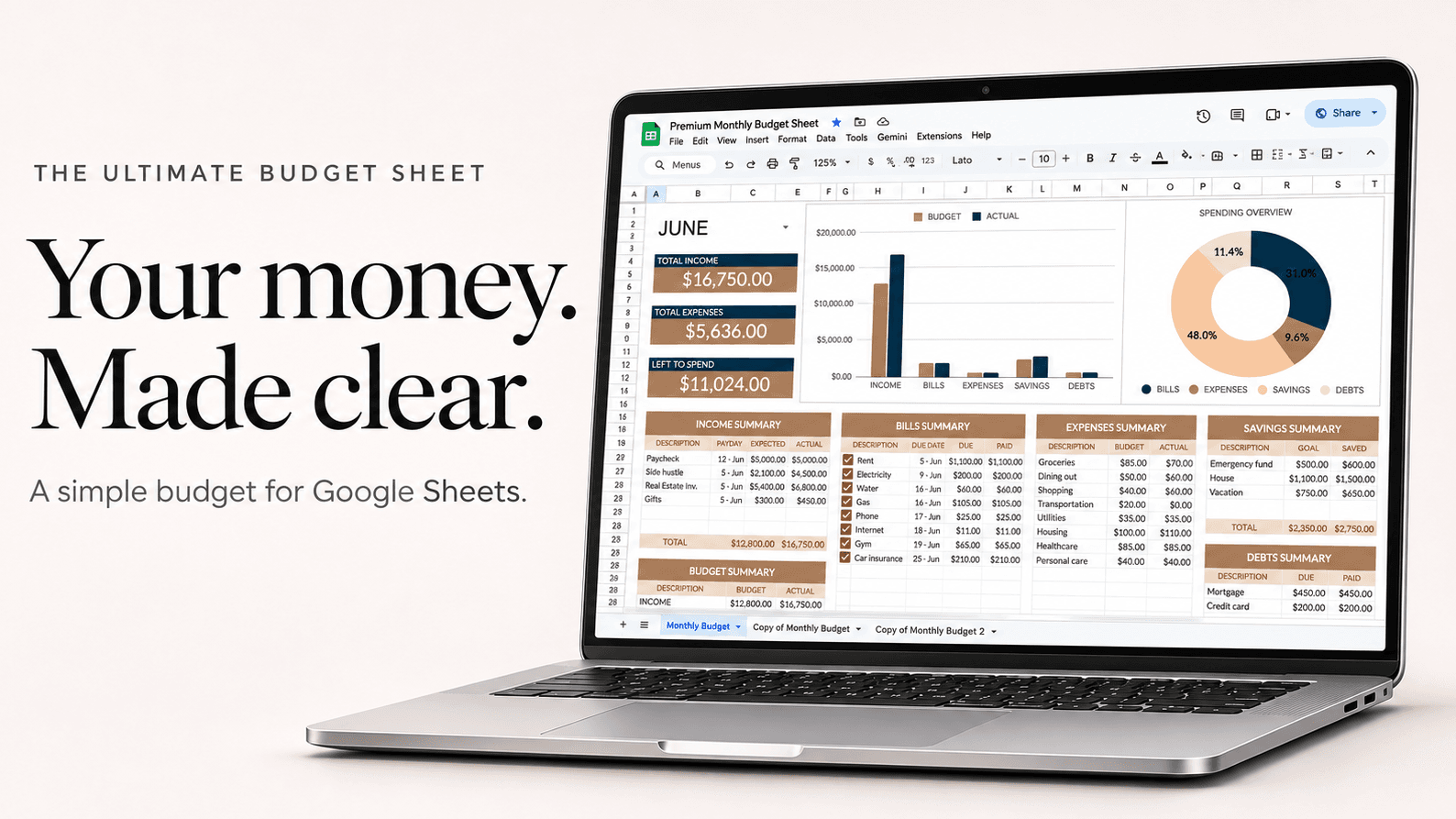
Example
Two paychecks of $1,650, paid on the 1st and the 15th
| Paycheck 1 (1st) | Amount |
|---|---|
| Rent | $1,150 |
| Phone | $55 |
| Car insurance | $110 |
| Groceries | $180 |
| Savings | $100 |
| Left to spend | $55 |
| Paycheck 1 | $1,650 |
Paycheck 2 then covers utilities, the car payment, the second grocery run and the rest of savings. Bills due between the 1st and the 14th always sit on paycheck 1.
How to set it up
- Add each paycheck as its own income line, with the date it lands.
- List every bill with its due date, and group the ones due before your next payday under the paycheck that pays them.
- Set a savings amount on each paycheck, even a small one, so saving happens first.
- Whatever is left after bills and savings is your spending money until the next payday. The sheet shows it as Left to Spend.
- Tick bills off as they're paid so you can see at a glance what the next paycheck still has to cover.
Questions
Is a paycheck budget better than a monthly budget?
If you're paid every week or every two weeks, yes for most people. Bills come out of the paycheck that's already in your account, so you don't run short before the next payday.
What do I do with a month that has three paychecks?
Budget the month on your usual two and send the third straight to savings or debt. It happens twice a year for people paid every two weeks.
Does it work with irregular income?
Yes. Budget on your lowest typical paycheck and treat anything above it as extra for savings or debt.