Efficiency Sheets
Simple Sheets
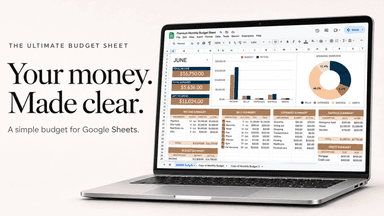
College Student Budget Template for Google Sheets
A college student budget starts from the money you have each month, including part-time pay, family help and loan money divided across the semester, and plans rent, food and books before fun. Spreading a lump-sum loan or grant over the months it has to last is the step most students skip.
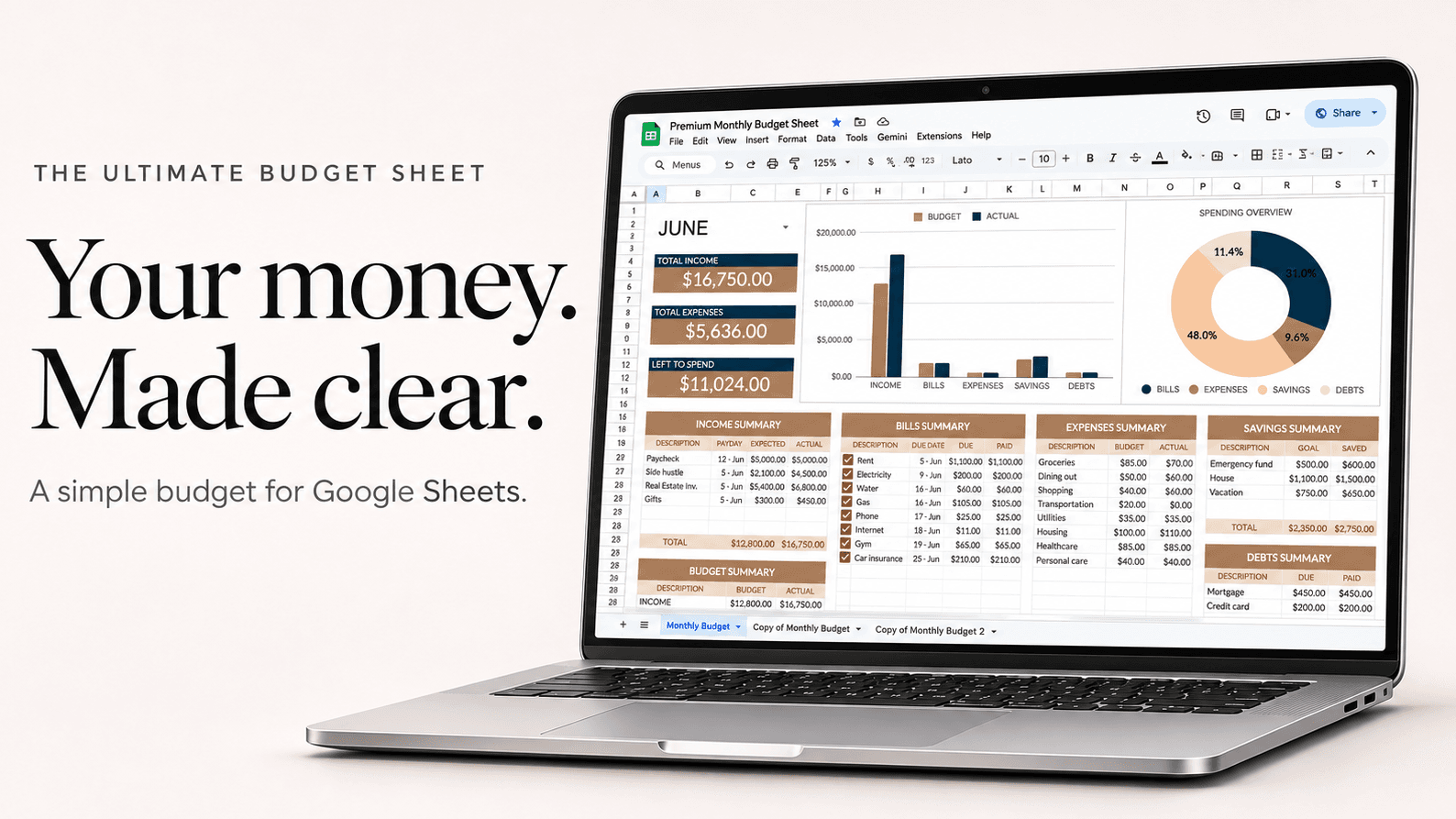
Example
A $4,000 semester refund spread over 4 months, plus a part-time job
| Monthly plan | Amount |
|---|---|
| Rent (shared apartment) | $650 |
| Groceries | $220 |
| Phone | $35 |
| Books and supplies | $60 |
| Transport | $50 |
| Eating out and fun | $120 |
| Savings | $65 |
| Spending | $1,200 |
Money in: $1,000 a month from the refund ($4,000 ÷ 4) plus $200 from 10 hours of work. Everything is planned before the month starts, so the refund still lasts in month 4.
How to set it up
- Divide any lump sum (loan refund, grant, savings from summer) by the number of months it has to last, and add that as monthly income.
- Add part-time pay and any regular help from family as their own income lines.
- List rent, groceries, phone, transport and books first.
- Give eating out and fun a set amount, and watch Left to Spend before you go out.
- Save something each month, even $20, for the end-of-semester surprises.
Questions
How much should a college student spend on food?
Around $200 to $300 a month on groceries is typical in the US if you cook most meals. A meal plan changes this, so add its cost divided by the months it covers.
Is Google Sheets good for a student budget?
Yes. It's free with a school or personal Google account, it's on your phone, and you can share it with a parent if they help out.
What about money from parents?
Add it as income if it comes regularly. If it's for one thing, like books, put it against that cost instead.