Efficiency Sheets
Simple Sheets
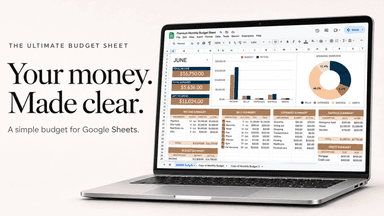
Zero-Based Budget Template for Google Sheets
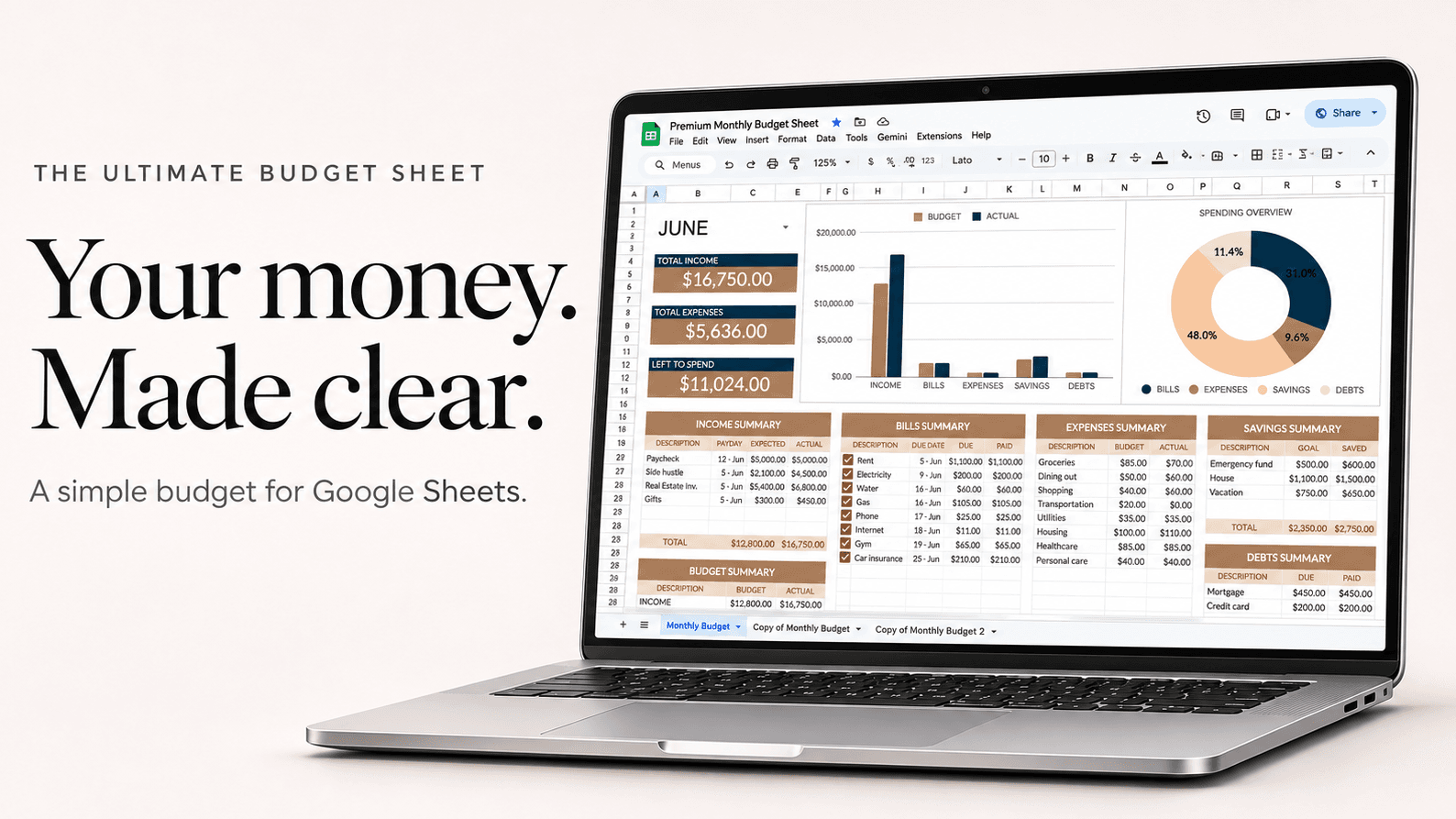
In a zero-based budget, income minus everything you plan for (bills, spending, savings and debt) comes to exactly zero, so every dollar has a job before the month starts. Zero doesn't mean an empty bank account; it means none of your money is unplanned.
Example
A $3,800 month, planned down to zero
| Job for the money | Amount |
|---|---|
| Rent | $1,300 |
| Utilities and phone | $210 |
| Groceries | $450 |
| Car payment and gas | $420 |
| Credit card, above minimum | $300 |
| Emergency fund | $300 |
| Eating out | $200 |
| Fun and hobbies | $150 |
| Clothes and household | $120 |
| Gifts sinking fund | $50 |
| Buffer for surprises | $300 |
| Planned | $3,800 |
$3,800 in, $3,800 planned. If the buffer isn't used, it rolls into savings at the end of the month.
How to set it up
- Add your take-home income for the month.
- List bills, then everyday spending, then savings and extra debt payments.
- Keep adjusting until Left to Spend shows zero. If it's above zero, give the extra a job; below zero, cut somewhere.
- As you spend, enter it against the plan and compare budget vs actual.
- At the end of the month, move anything unspent to savings and plan the next month from zero again.
Questions
Is zero-based budgeting hard?
The first month takes about an hour. After that it's mostly copying last month's plan and adjusting a few lines.
What if I overspend in one category?
Move money from another category in the same month, so the total still comes to zero.
Is it the same as the envelope method?
Close. Envelopes are zero-based budgeting with cash. A spreadsheet does the same thing for money in your bank account.