Efficiency Sheets
Simple Sheets
Couples Budget Template for Google Sheets
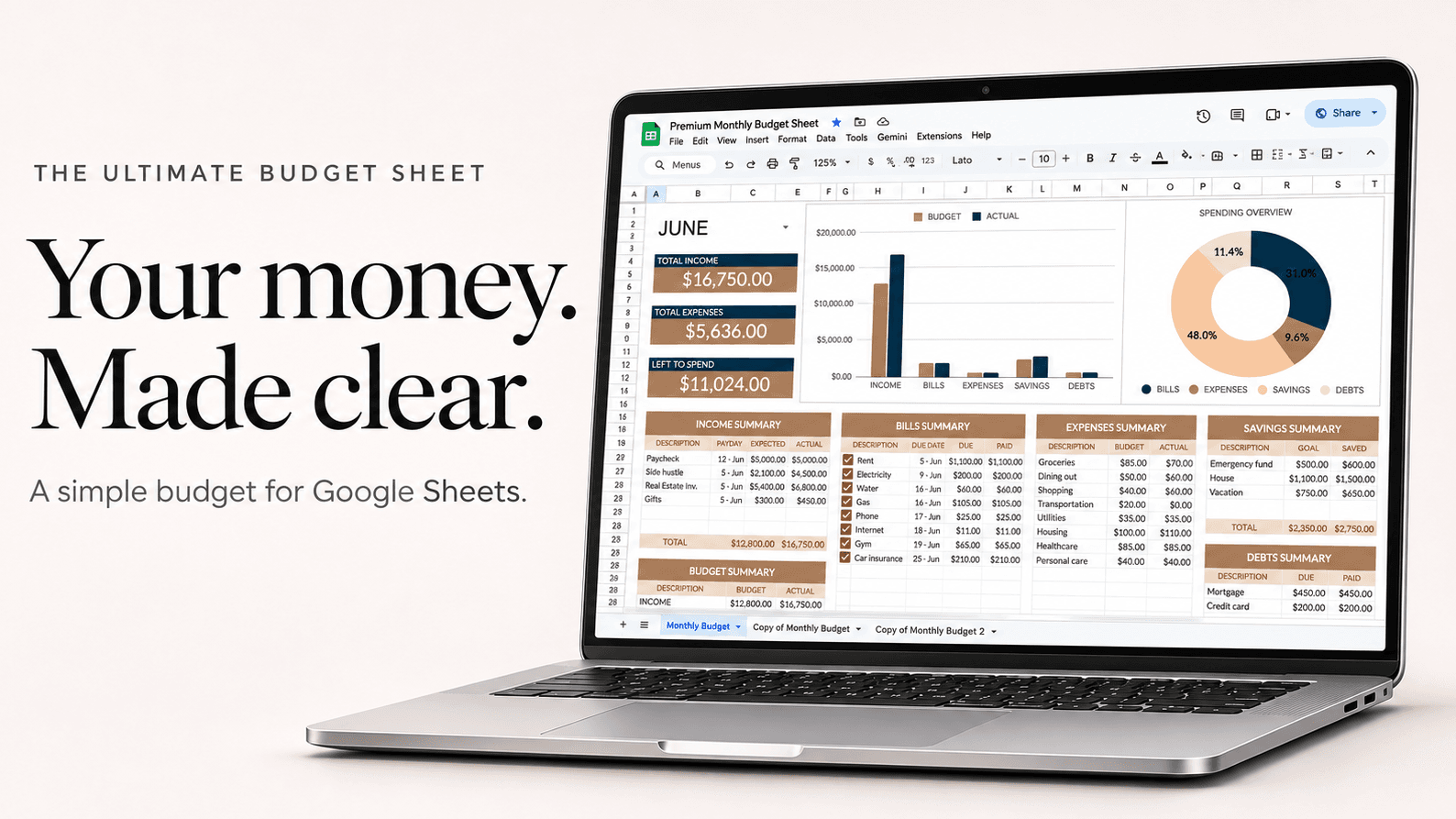
A couples budget puts both incomes and every shared bill in one sheet you can both open, so you each see the same numbers. Most couples split shared costs in proportion to income and keep a set amount of personal spending money each.
Example
Alex earns $4,000 and Sam $2,600 a month, take-home
| Shared costs | Amount |
|---|---|
| Rent | $1,800 |
| Utilities and internet | $220 |
| Groceries | $650 |
| Car insurance | $160 |
| Joint savings | $600 |
| Date night and eating out | $250 |
| Shared costs | $3,680 |
Split by income, Alex covers 61% ($2,230) and Sam 39% ($1,450). Each keeps $300 a month of personal money that nobody else tracks, and the rest of their pay goes to their own goals.
How to set it up
- Make one copy of the sheet and share it with your partner from Google Sheets' Share button, so you both edit the same file.
- Add both take-home incomes as separate income lines.
- List the shared bills and spending, then agree how you split them: 50/50, or by income.
- Give each of you a personal spending line with a fixed amount.
- Add shared savings goals, like a trip or a house deposit, and watch them grow each month.
Questions
Should couples split bills 50/50 or by income?
If your incomes are close, 50/50 is simple. If one of you earns much more, splitting by income keeps it fair: each pays the same share of their pay.
Do we need a joint bank account?
No. Many couples keep separate accounts and each send their share to a joint one for bills. The sheet works either way.
Can we both edit it on our phones?
Yes. It's a Google Sheet, so you both open it in the Google Sheets app and see changes as they're made.